Kopyalanmak isdenilen program fileexplorerda bulunup File Explorer -> Windows -> Startup -> Paste Shortcut ve File Explorer -> Windows -> Startup -> Programs -> Paste Shortcut yapılır
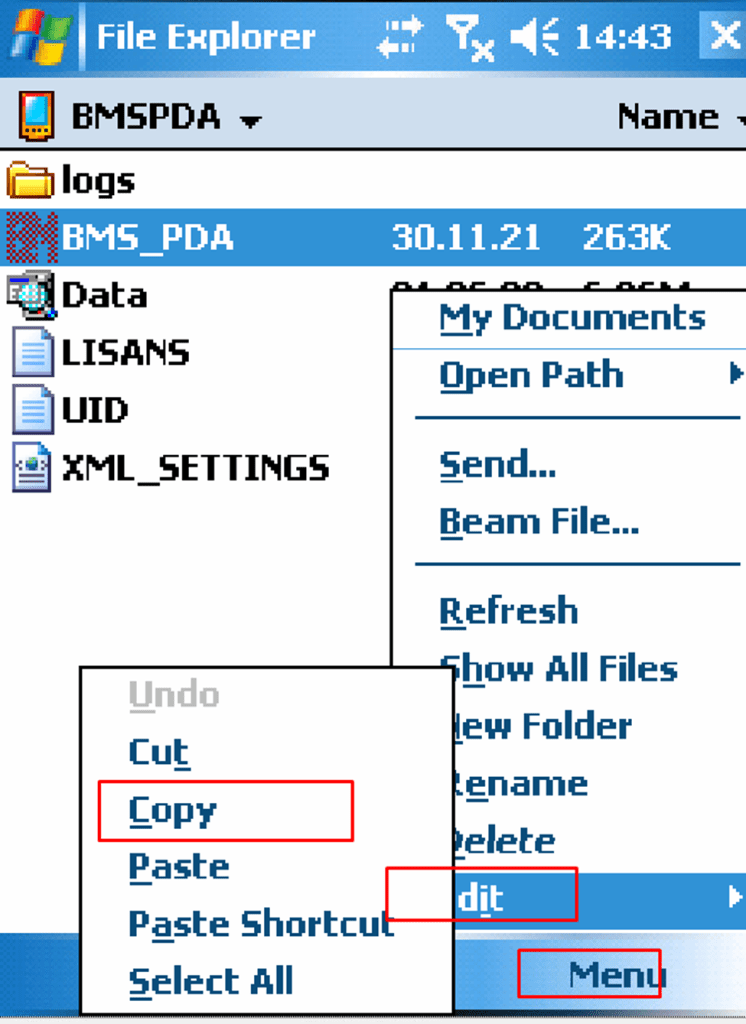


Kopyalanmak isdenilen program fileexplorerda bulunup File Explorer -> Windows -> Startup -> Paste Shortcut ve File Explorer -> Windows -> Startup -> Programs -> Paste Shortcut yapılır
Daha önce paylaştığım yazıya ek/revize olarak (https://semt20.home.blog/2018/07/13/windows-mobile-el-terminali-windows-10-calistir/)
Dosyalar Google drivedada var.
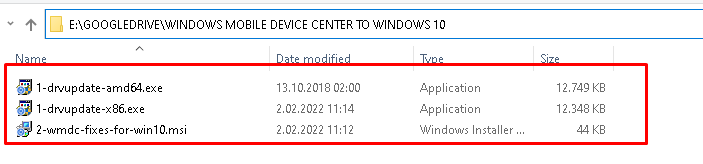
GEREKSINIMLER: WINDOWS 7
VS 2008 FULL INSTALL
VIRTUAL PC 2007 VE SP1 : GOOGLEDRIVE\programming\WINCE\virtual_pc_2007withsp1.rar
 Blog of Sem